Veo matches on Android TV and Google TV
Updated October 12, 2026
Football Match TV is on Google Play for Android TV and Google TV. It plays football matches that are shared with a Veo link. Setting it up takes about two minutes.
Which TVs and devices work
- TVs with Android TV or Google TV, for example many Philips, Sony and TCL models.
- Streaming devices: Chromecast with Google TV, Google TV Streamer and Nvidia Shield.
- Android TV 7.0 or newer.
Install the app
- On the TV, open Google Play. On Google TV, use the search on the home screen.
- Search for Football Match TV and choose Install.
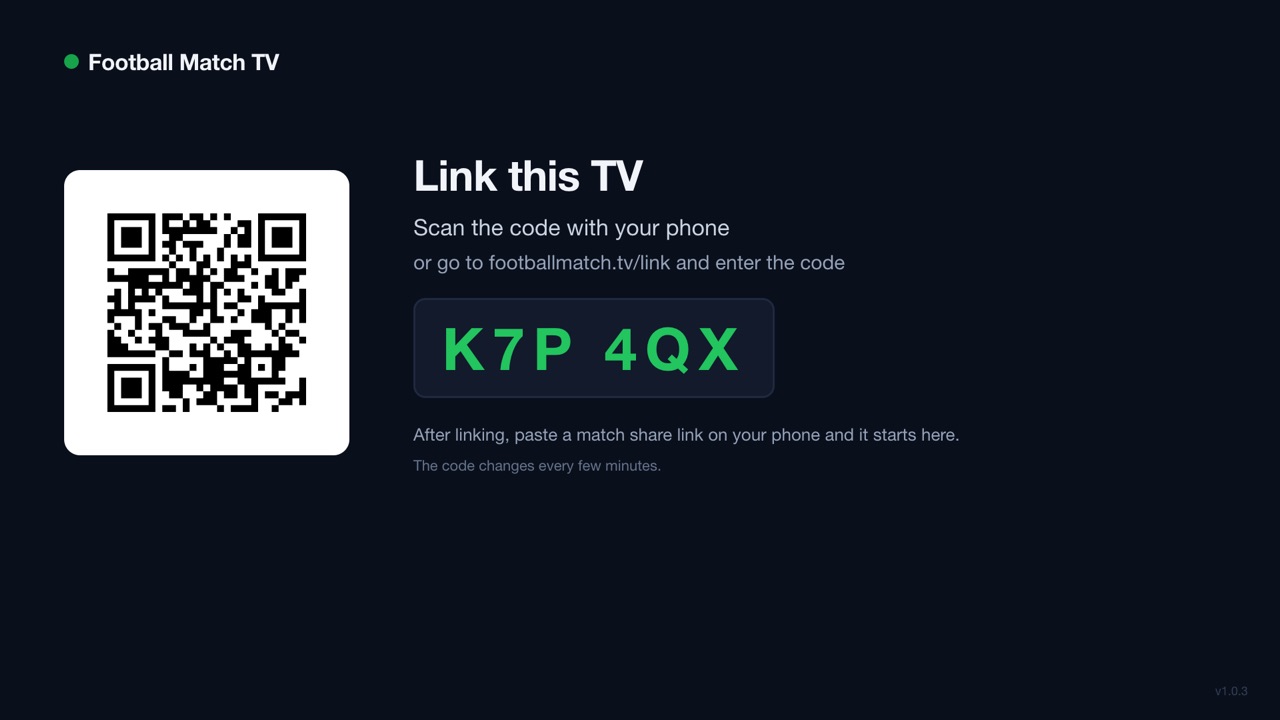
- Open the app. It shows a QR code and a 6-character code.
Link the TV to your phone
- Scan the QR code with your phone camera. Or go to footballmatch.tv/link and type the code.
- Enter your email. We send you a sign-in link. Open it on the same phone. No password needed.
- The TV is now linked to you. You only do this once.
Send a match to the TV
- In the Veo app or on the Veo website, open the match and tap Share. Copy the link.
- On footballmatch.tv, paste the link and choose Send to TV.
- The match starts on the TV in a few seconds.
Using the remote
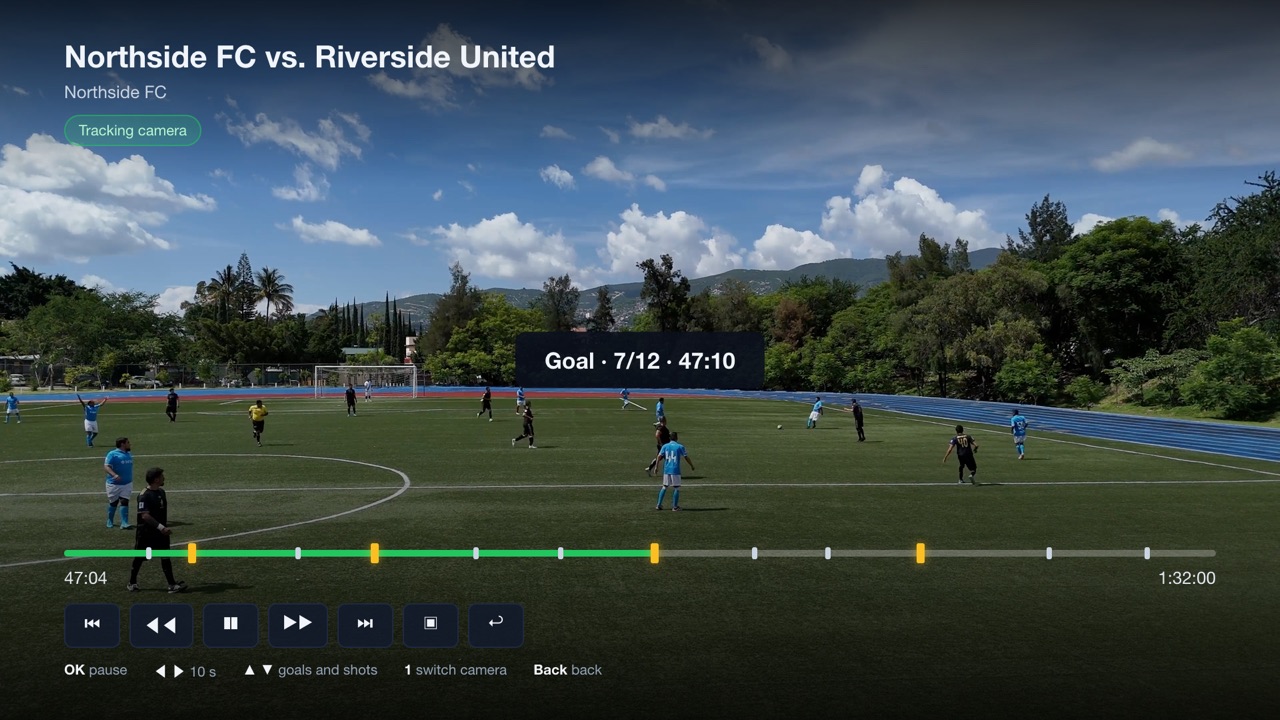
- Up and down: jump to the previous or next goal or shot on goal.
- Left and right: 10 seconds back or forward.
- OK: pause and play. Back: leave the match. Next time it continues where you stopped.
- If your remote has number keys, 1 switches between the tracking camera and the full-pitch panorama.
Try Football Match TV
2 free matches every month. For Android TV and Google TV, Samsung and LG coming.
Questions
I cannot find the app in Google Play on my TV.
Check that the TV runs Android TV or Google TV. Samsung and LG TVs have their own systems, see the guide for Samsung and LG.
What does it cost?
2 matches every month are free. Unlimited viewing costs from €2.99 per month, on the website. Watching a match again is always free.
Does the TV remember where I stopped?
Yes. The TV remembers the matches you watched and where you left off.